- Help Center > Spot Check-in / Acall Desktop > General User > Acall Desktop Set Up > Acall Desktop Basic Settings
Acall Desktop Basic Settings
- Category :
Answer
This page describes the basic settings in the "SETTINGS" tab on Acall Desktop.
There are three settings: "Basic Work Plan Settings", "Notification Settings", and "Wi-Fi Check-in".
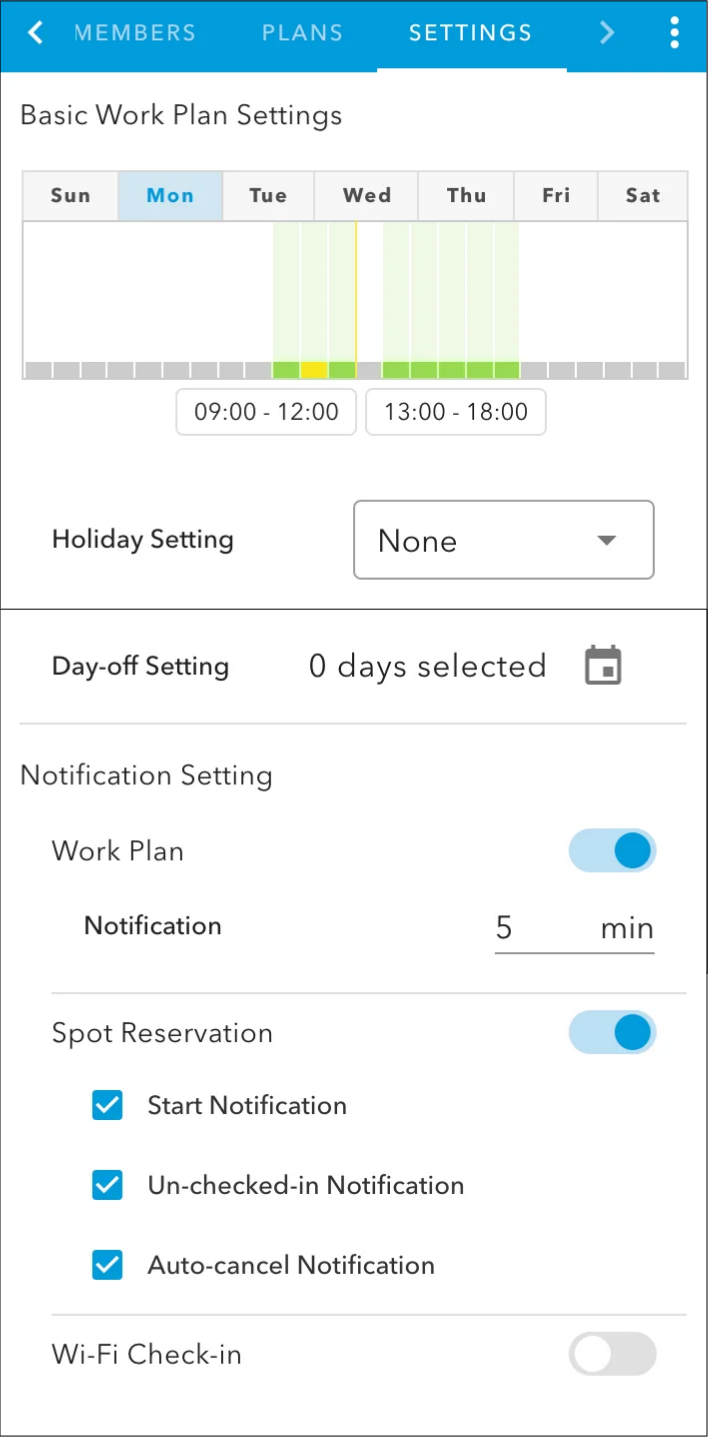
Basic Work Plan Settings
In the "SETTING" tab, you can register basic work hours for each day of the week.
It will be reflected as the default work hours in the "PLANS" tab.
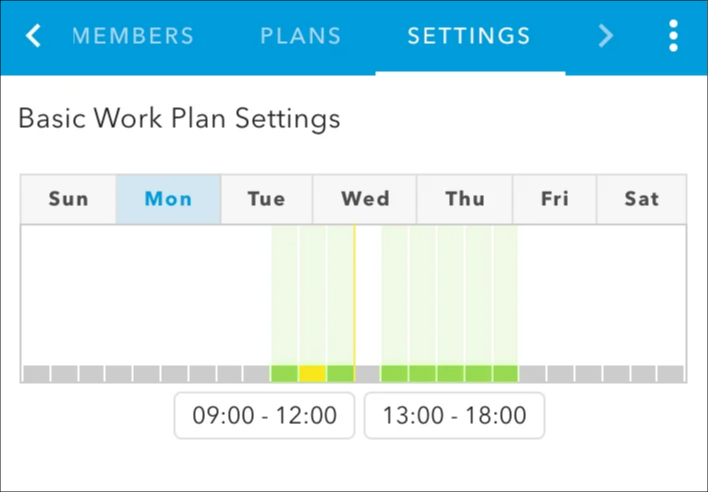
Please see "Set Up Your Work Plan on Acall Desktop" for information on how to set up your Basic Work Plan.
 Note
Please refer to the following help article about Work Plan.
・Work Plan
Notification settings
Set whether or not you want to receive various types of notifications on Acall Desktop.
To enable notification settings, click the toggle and turn ON.
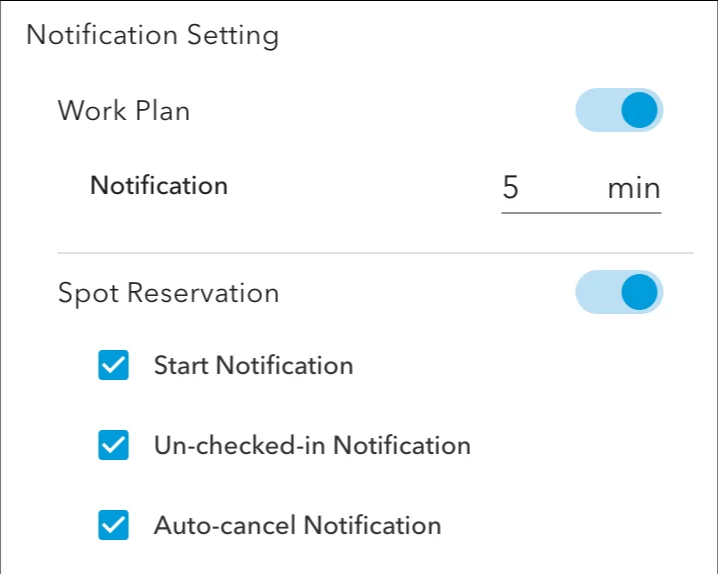
Work Plan
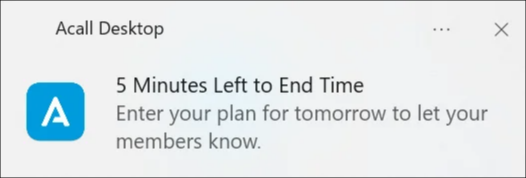
Once you turn ON the Work Plan notification toggle, you will receive a desktop notification as follows.
-
Notify before the start of work (N minutes before the start of work hours set in PLAN)
-
Notify before the end of the workday (N minutes before the end of the workday set in the PLAN)
-
Check-in notification
-
Check-out notification
-
Notifications of status changes for members registered in bookmarks
Spot Reservation
- Start Notification
- You will be notified 5 minutes before the reservation starts.
-
Un-checked-in Notification
- You will be notified if any spots have not been checked in after the reservation start time.
-
Auto-cancel Notification
- You will be notified when the reservation is automatically canceled.
Example: Start Notification

Please refer to "Receive Spot Reservation Notifications" for details.
Wi-Fi Check-in
When Wi-Fi Check-in is turned on, you can check in to a spot via Wi-Fi connection.
Please refer to "Check in to a Spot via Wi-Fi Connection" for details.