This page describes how to disconnect Acall Reception.
Check device config key
Please refer to "Set Device Config Keys" to check your device config keys.
Disconnect Acall Reception
Tap the lock icon in the lower left corner of the Acall Reception top screen.

Enter your config key and tap the green check.

Tap [logout] in the side menu of the device setting screen.

Tap [Disconnect from the server].

Tap [OK].

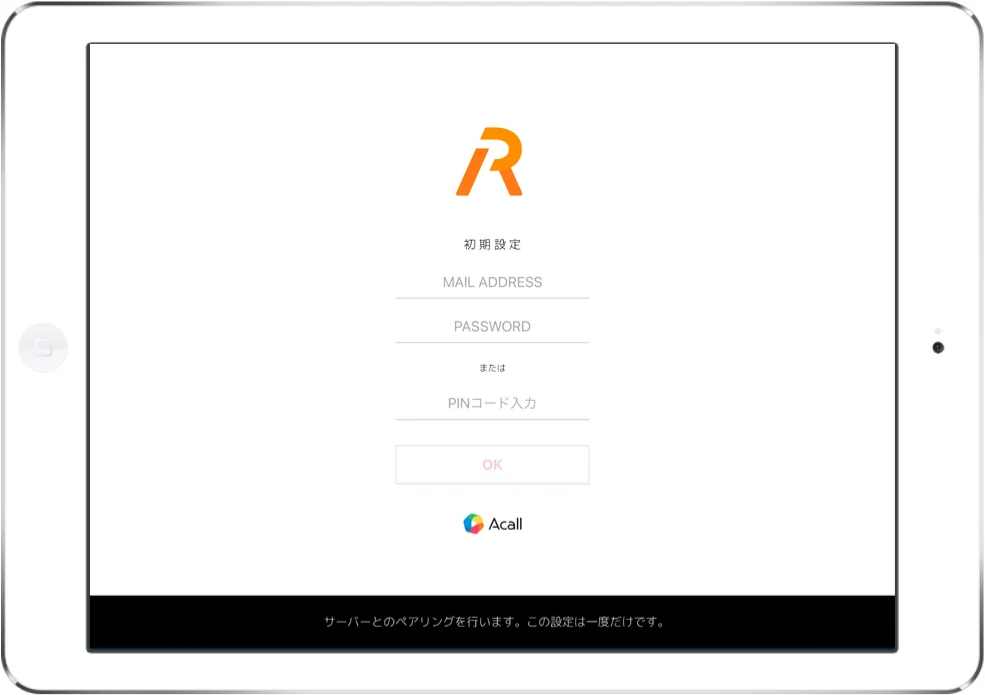
Initial Acall Reception screen is displayed.