- Help Center > Reception Check-in / Acall Reception > Administrator > Set Up > Install / Uninstall Acall Reception
Help Center
Install / Uninstall Acall Reception
- Category :
Answer
Contents
You can install Acall Reception app on your iPad and use the reception function by integrating chat tools.
This page describes the steps to install the app on App Store and link it with Acall Portal.
Actual usage scene
Install Acall Reception app
In iPad App Store, enter "Acall" in the search window and select [Acall Reception] and tap [GET] to install. Tap [OPEN] to launch Acall Reception app.

"Acall Reception Would Like to Send You Notifications" will be displayed, tap [Allow].

If you tap [Don't Allow], you can not use Print Admission Card / Sheet from Acall Portal function.
If you mistakenly tap [Don't Allow], re-install the app and tap [Allow].

"Acall Reception Would Like to Use Bluetooth" will be displayed. Tap [Allow] if needed.
Bluetooth is used to connect to extension telephone. This is required when using extension phone linking.

Log in to Acall Portal
Next, link Acall Reception with Acall Portal.
Please refer to this page for how to log in.

Generate PIN code
After logging in to Acall Portal, click [App settings] and [Acall Reception] on the side menu.
Find the generated code (6 digits) by clicking the [CREATE] button in the [Pincode] section of the device you want to generate a PIN code for.
ATTENTION
・If you are using multi-tenant feature, log in as multi-tenant administrator
[Multitenant] > [Multitenant Setting] > Reception app settings
Find the generated code (6 digits) by clicking the [CREATE] button in the [Pincode] section of the device you want to generate a PIN code for.
Please refer to  Use as Multi-tenant((Acall Reception App Settings) for further information.

Open Acall Reception and enter PIN code
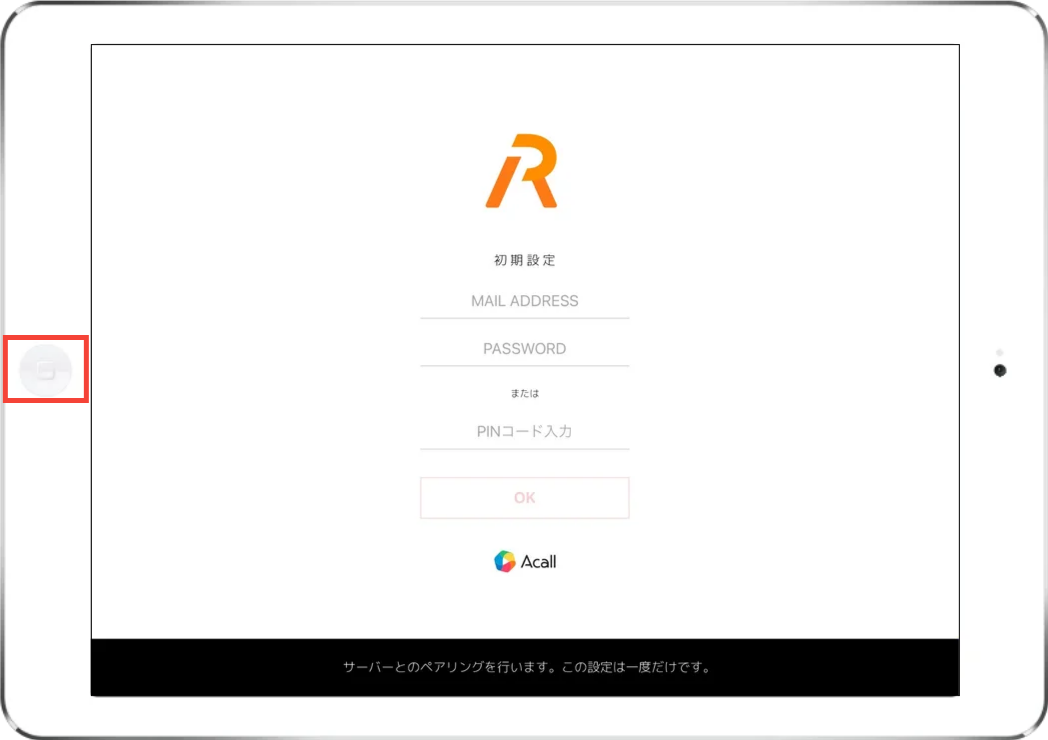
Open Acall Reception app.
Enter the PIN code (6 digits) that you generated on Acall Portal and then tap [OK].

Confirm the completion of setup
If you successfully log in, reception screen will be displayed.
Device name will be displayed in the lower left corner of the screen, please make sure it is correct.

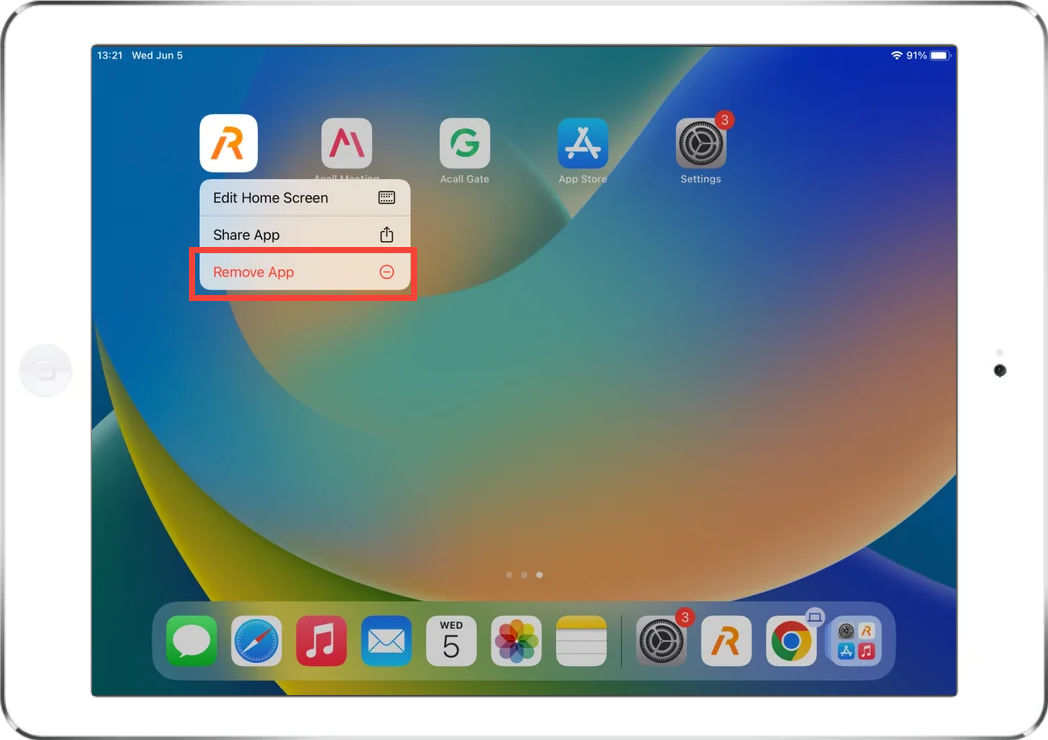
Uninstall Acall Reception app
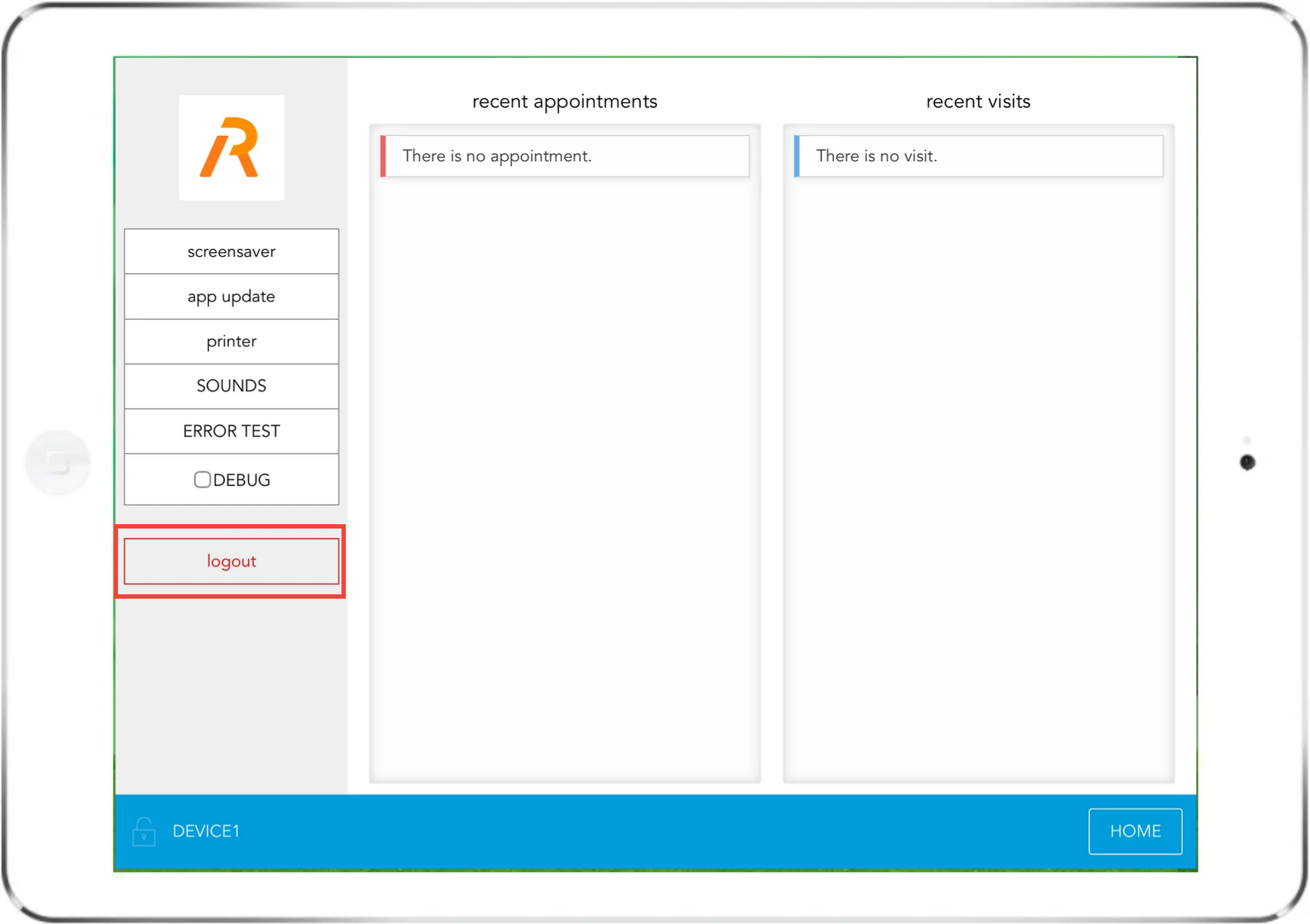
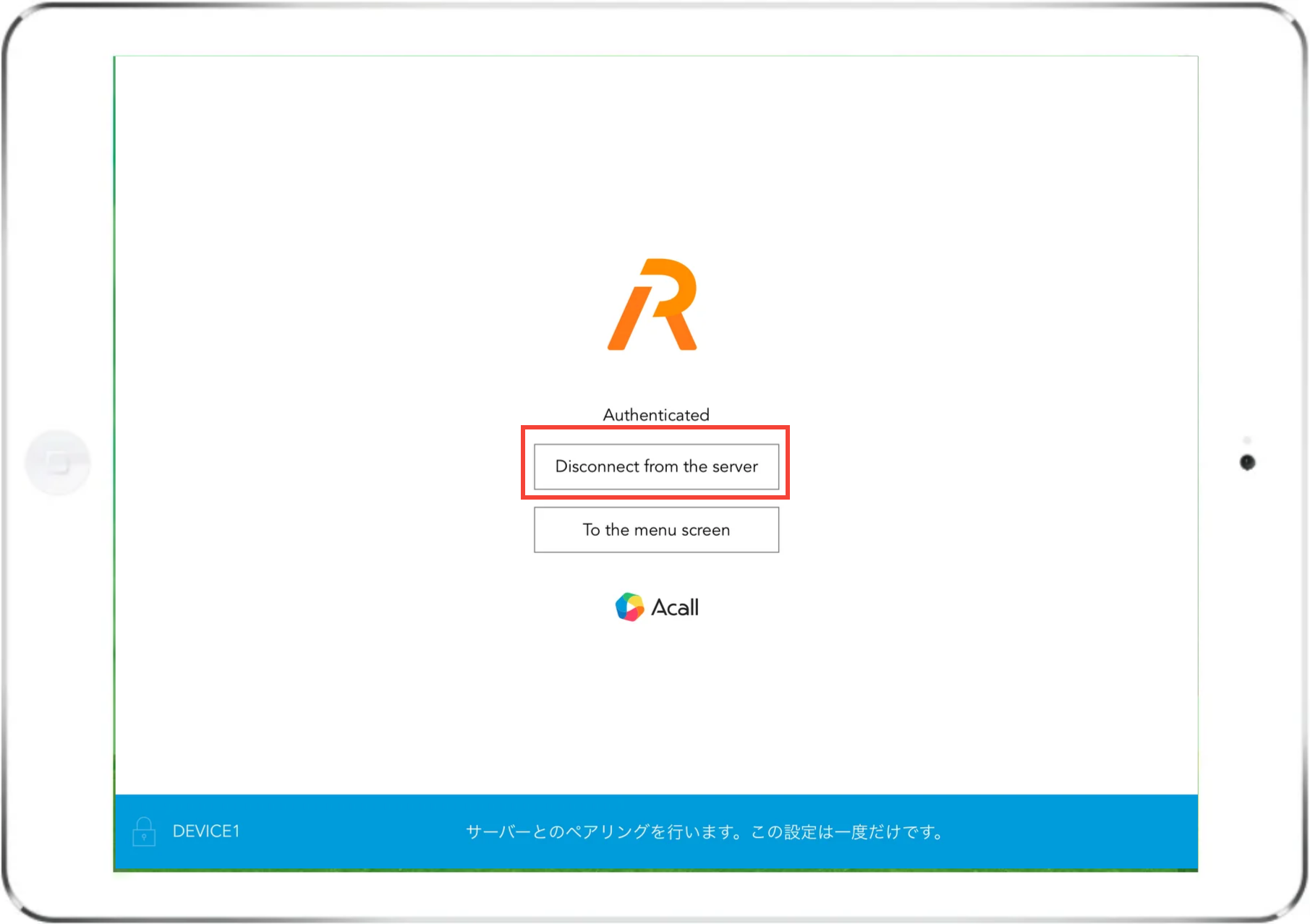
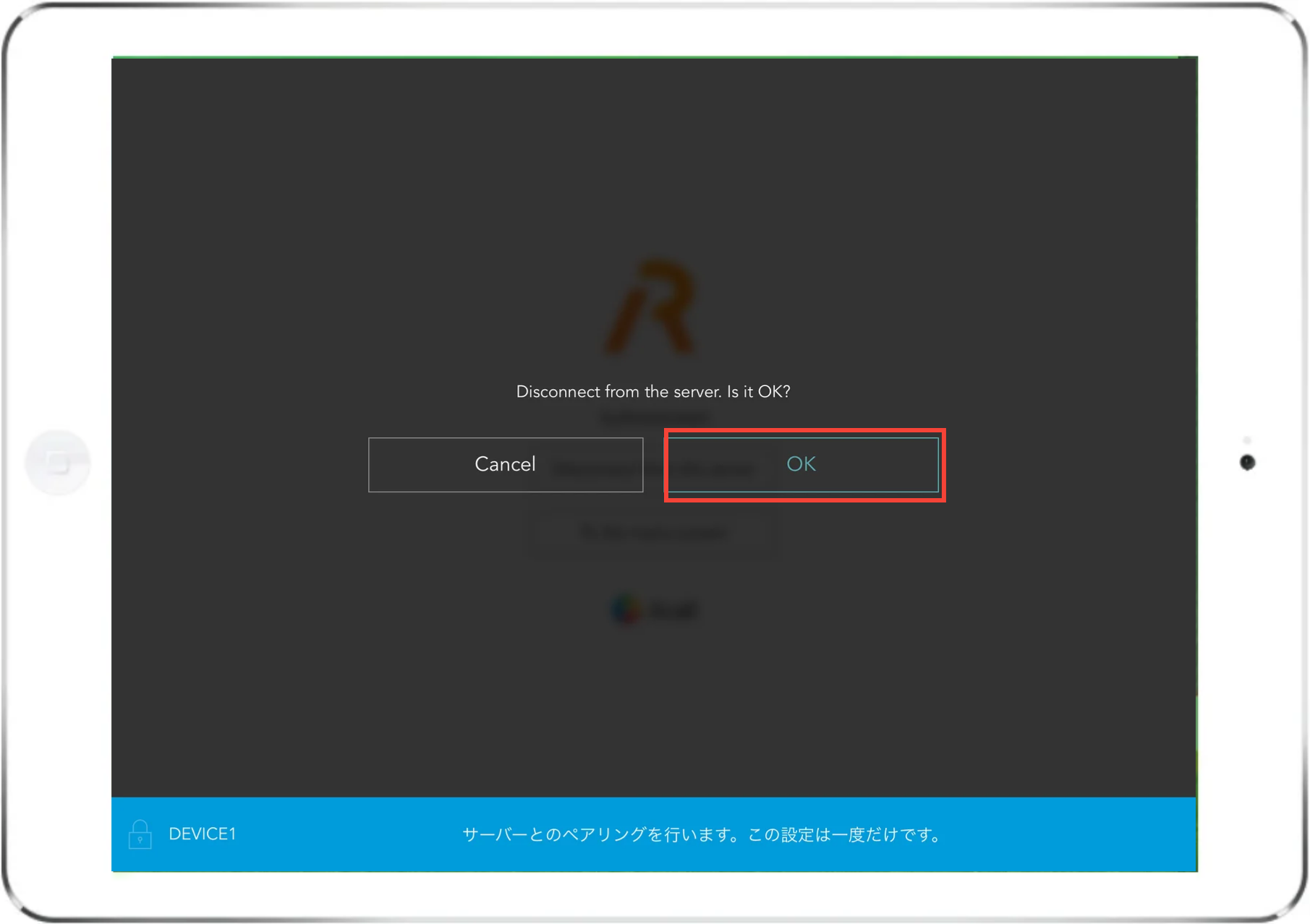
If you no longer need or want to reinstall Acall Reception application, follow the steps below.
Tap the key icon in the lower left corner and enter the device config key.
Reference
Set Device Config Keys
I don't see key icon (device config key) on Acall Reception