
- Help Center > Spot Check-in / Acall Desktop > General User > Acall Mobile > [Acall Mobile] Check-in to Reserved Spot
Help Center
General UserAdministrator× Tenant Administrator
[Acall Mobile] Check-in to Reserved Spot
- Category :
Answer
Contents
This page explains how to check in to a reserved spot on Acall Mobile.
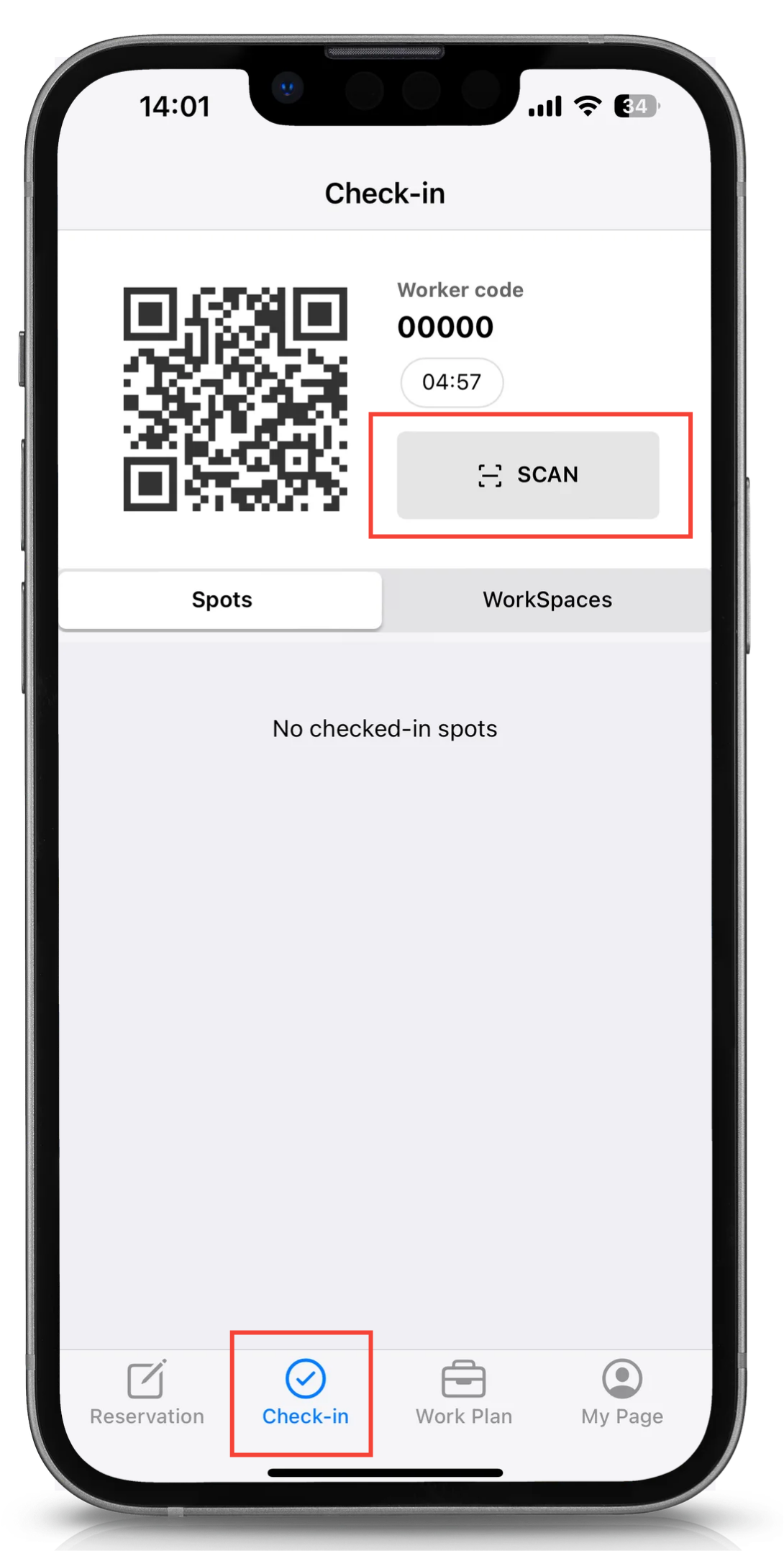
Tap the [Check-in] on the menu at the bottom of the screen, and tap [SCAN] button.
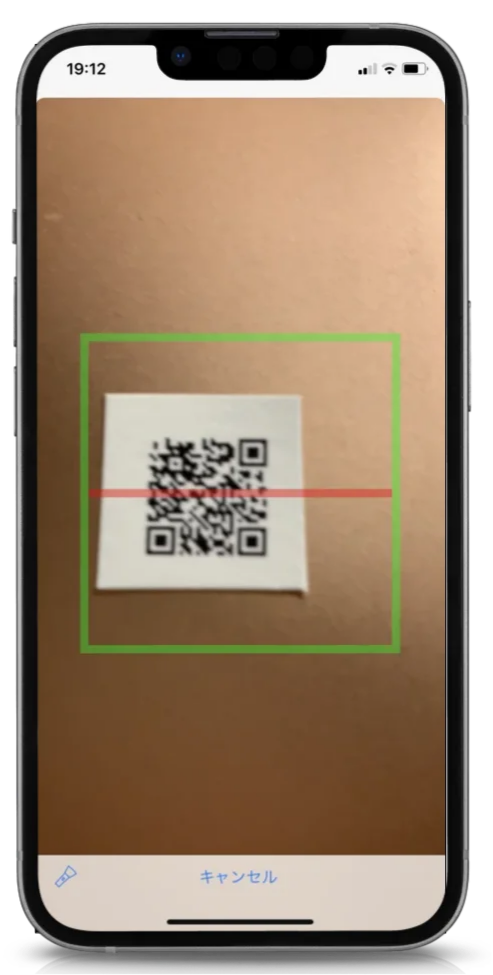
When your screen switches to the camera, scan the QR code placed on the spot within the green frame.
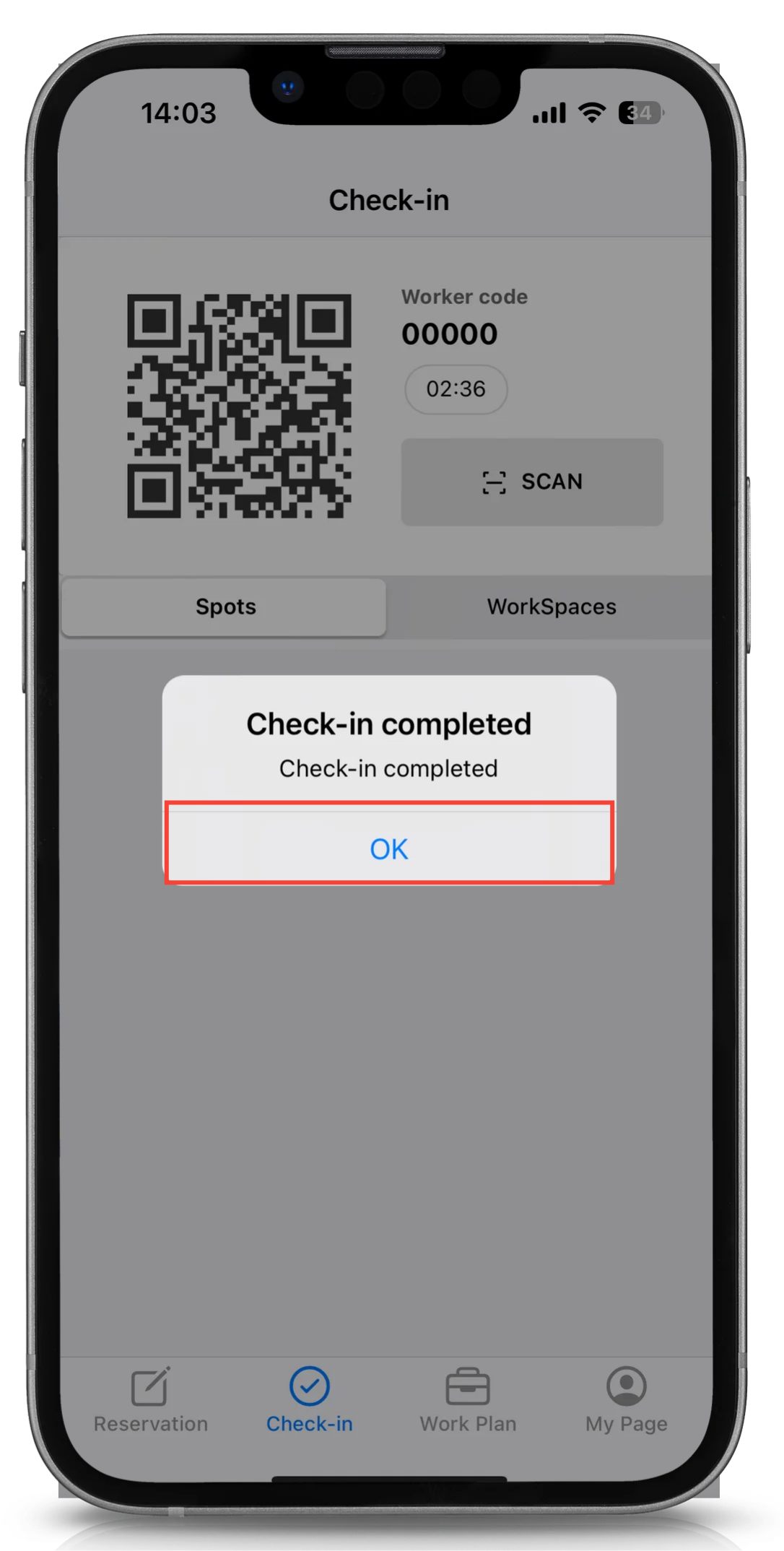
Check-in is complete.
Tap the [OK] button.
 Note
If the spot is not reserved, it will be available for immediate use, and a screen to select the end time will be displayed.
Please refer to the following help article.
"Using a spot immediately from Acall Mobile"

